When a business in Serbia depends on online visibility, every business owner or law firm looks for a way to stand out from the competition. Without a detailed analysis of the current state of your WordPress site, it's difficult to know what obstacles are slowing your growth and preventing new clients from coming on board. An emphasis on technical analysis, keyword selection, and continuous performance monitoring provides clear guidance for creating a more visible and competitive web presence.
Content
- Step 1: Analyze the current state of the site
- Step 2: Choose keywords and topics
- Step 3: Optimize the site's technical SEO
- Step 4: Create engaging and relevant content
- Step 5: Test and track SEO results
Quick Summary
| Key Point | Explanation |
|---|---|
| 1. Analyze the current state of the site | Understanding the site's current performance allows you to identify areas for improvement. |
| 2. Choose the right keywords | Keywords directly impact organic visibility and attracting the target audience. |
| 3. Optimize technical SEO | Technical optimization increases a site's visibility and allows search engines to properly index the content. |
| 4. Create relevant content | Engaging content meets user needs and can improve engagement. |
| 5. Track SEO results | Regularly monitoring data allows for timely adjustments to SEO strategies. |
Step 1: Analyze the current state of the site
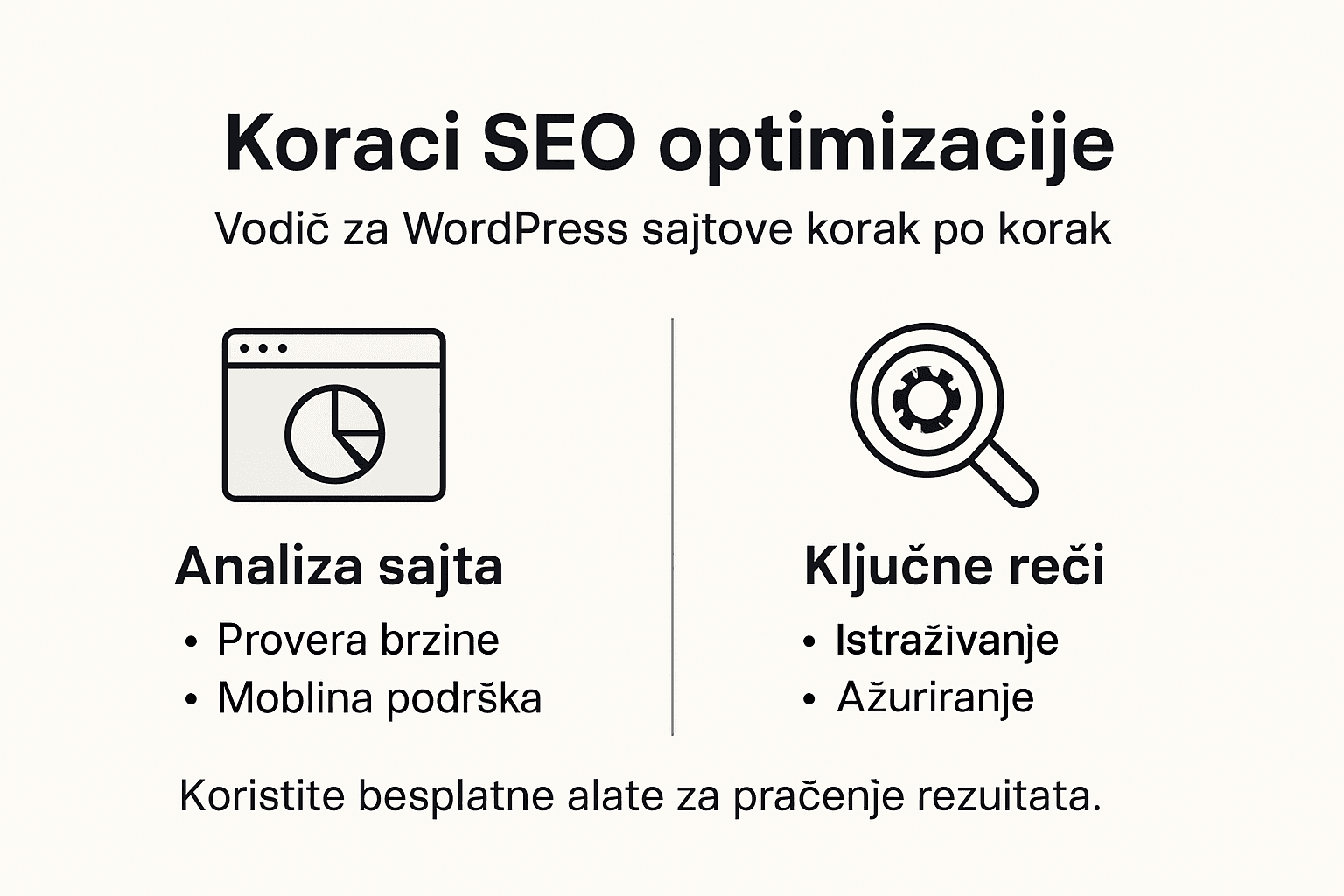
Analyzing the current state of a WordPress site is a crucial first step in the SEO optimization process. This process helps you understand its current performance and identify potential areas for improvement that directly impact your online presence.
Basic elements of the site's current state analysis include:
- Technical diagnosis of the WordPress platform
- Website Speed Analysis
- Site structure review
- Mobile compatibility check
- Identifying SEO shortcomings
Start by using free tools like Google Search Console and Google PageSpeed Insights for a detailed initial diagnosis. These tools provide an instant overview of the site's performance, including loading speed, mobile compatibility, and technical SEO basics.

Here is an overview of the most important free tools for an initial SEO analysis of a WordPress site:
| Tool | Purpose of the analysis | Key benefits |
|---|---|---|
| Google Search Console | Indexing monitoring | Identifies SEO errors |
| Google PageSpeed Insights | Site Speed Testing | Loading optimization recommendations |
| GTmetrix | Performance Analysis | Detailed reports with suggestions |
| Ahrefs Webmaster Tools | Link Check | Displays the quality of backlinks |
A professional website analysis reveals hidden issues that may be preventing your online visibility.
Once you've collected the initial data, create a detailed report that includes:
- Current site loading speed
- Number of indexed pages
- Technical errors you notice
- Mobile performance
Pro-tip: Regularly monitor site performance, as any changes require continuous optimization.
Step 2: Choose keywords and topics
Choosing the right keywords is a foundational element of your SEO strategy for a WordPress site. This step helps you accurately determine which topics and phrases will attract your target audience and increase organic visibility.
Start by researching keywords, which involves several key strategies:
- Understanding user needs through analysis of search intent
- Identifying relevant topics related to your business
- Evaluating the traffic potential for each keyword
- Analysis of the competitiveness of selected terms
- Combining short- and long-tail keywords
Properly selected keywords directly impact the success of your SEO strategy and attracting your target audience.
When choosing keywords, pay attention to:
A comparison table shows the difference between "short" and "long" key phrases for WordPress SEO:
| Phrase Type | Example | Benefits | Why use? |
|---|---|---|---|
| Short phrase | "WordPress blog" | Higher search volume | Targeting a broad audience |
| Long-tail phrase | "WordPress blog SEO optimization" | Lower competition | Tailored to specific needs |
- Relevance to your industry
- Monthly search volume
- Competition level
- User intent
Pro-tip: Regularly update your keyword list to track market changes and search trends.
Step 3: Optimize the site's technical SEO
Technical SEO is a critical component of a WordPress site's success, directly impacting search engines' ability to understand and index your content. This step involves systematically checking and improving technical aspects that enhance the site's visibility and performance.
Technical site optimization requires the careful enhancement of several key elements:
- Web page loading speed
- Mobile responsiveness
- Security (HTTPS protocol)
- URL structure
- Robots.txt configuration
- XML sitemap
- Meta tags
Every technical detail you optimize increases the chances of a better ranking in search engines.
Steps for technical SEO optimization include:
- Site speed testing
- Checking mobile compatibility
- Installing an SSL certificate
- Optimizing the link structure
- Configuring the robots.txt file
Pro-tip: Use free tools like Google Search Console to continuously monitor your site's technical performance.
Step 4: Create engaging and relevant content
Creating content that attracts and retains user attention is the core of your SEO strategy for a WordPress site. The goal is to create material that not only satisfies search engine algorithms but also provides real value to your target audience.
Optimizing content for SEO involves several key principles:
- Understanding audience needs
- Creating original and informative content
- Proper use of keywords
- A clear and logical text structure
- Multimedia elements to increase engagement
The right content is not just a collection of words, but a bridge between your expertise and the user's needs.
Steps for creating engaging content:
- Identify the target audience
- Research current topics
- Developing a unique perspective
- Structuring the text with clear headings
- Including visual elements
Pro-tip: Regularly update your content to stay relevant and maintain a high level of user engagement.
Step 5: Test and monitor SEO results
Monitoring and testing SEO results is crucial for continuously improving your WordPress site's performance. This step allows you to understand the effectiveness of the strategies applied and to respond to changes in a timely manner.
Track SEO results using the following key tools and metrics:
- Google Analytics for traffic analysis
- Google Search Console for indexing overview
- Keyword Rank Tracking
- Conversion analysis
- Bounce rate and time spent on the site
Regular measurement and analysis of data allows for precise targeting of the SEO strategy.
Basic steps for tracking SEO results:
- Set up Google Analytics
- Connect Google Search Console
- Define key metrics
- Track position changes
- Analyze quarterly reports
Pro-tip: Don't jump to conclusions - SEO results require patience and continuous monitoring.
Harness the Potential of SEO Optimization for Your WordPress Site
If you want your WordPress site to truly shine in a sea of competition, it's important to focus on detailed SEO optimization throughout all stages, from analyzing the current state to creating relevant content. Site owners often face challenges such as slow loading speed, a lack of properly selected keywords, or technical issues that "choke" the site's visibility. That's why it's important to have a reliable partner who understands the specifics of the WordPress platform and knows how to combine technical optimization with quality content.

Leverage our expertise in Website Creation and Websites tailored to the needs of law firms, small and medium-sized businesses, and e-commerce businesses. Our expertise in 24/7 technical support and modern security solutions guarantees that your WordPress site will not only have an outstanding design but also a stable, fast, and secure platform to achieve your business goals. Don't let SEO optimization issues hold you back from growing. Visit https://igorsebesic.com and take the first step toward a site that attracts visitors and converts them into satisfied customers.
Frequently Asked Questions
How do I analyze the current state of my WordPress site?
Analyze the site's current state using tools like Google Search Console and Google PageSpeed Insights. Generate a comprehensive report that includes loading speed and identified technical errors.
What keywords should I choose for my WordPress site?
Choose keywords based on user intent and monthly search volume. Focus on a mix of short-tail and long-tail phrases to increase visibility.
How do I optimize my site's technical SEO?
Optimize technical SEO by checking loading speed, mobile-friendliness, and proper URL structure. Implement the HTTPS protocol to improve your site's security.
How do I write engaging content for my WordPress site?
Write content that is informative and relevant to your audience, using properly distributed keywords. Include visual elements and break the text into clear sections to increase user engagement.
How do I track and test the results of an SEO strategy?
Track SEO performance using Google Analytics for traffic analysis and Google Search Console for indexing monitoring. By keeping a record of keyword ranking changes, you can adjust your strategy in a timely manner.
How often should I update the content on my website?
Update your content regularly, at least every 3 months, to stay relevant and maintain a high level of user engagement. Check the accuracy of your information and optimize your site traffic.